
In-Person & Virtual Options Aviliable
Book A Workshop Today
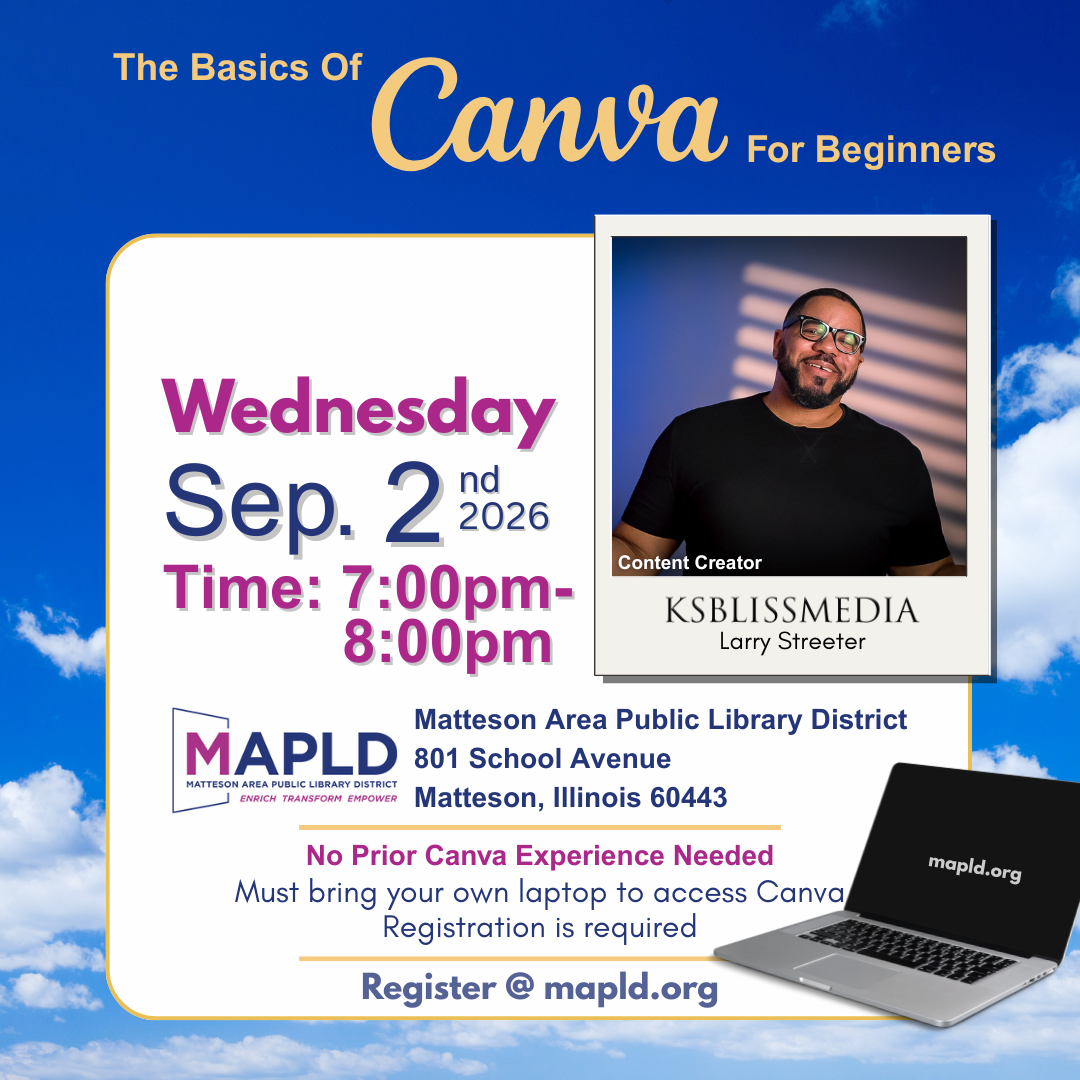
Canva for Beginners: The Basics of Canva
Learn how to create eye-catching designs using Canva, a free and easy-to-use online design tool.
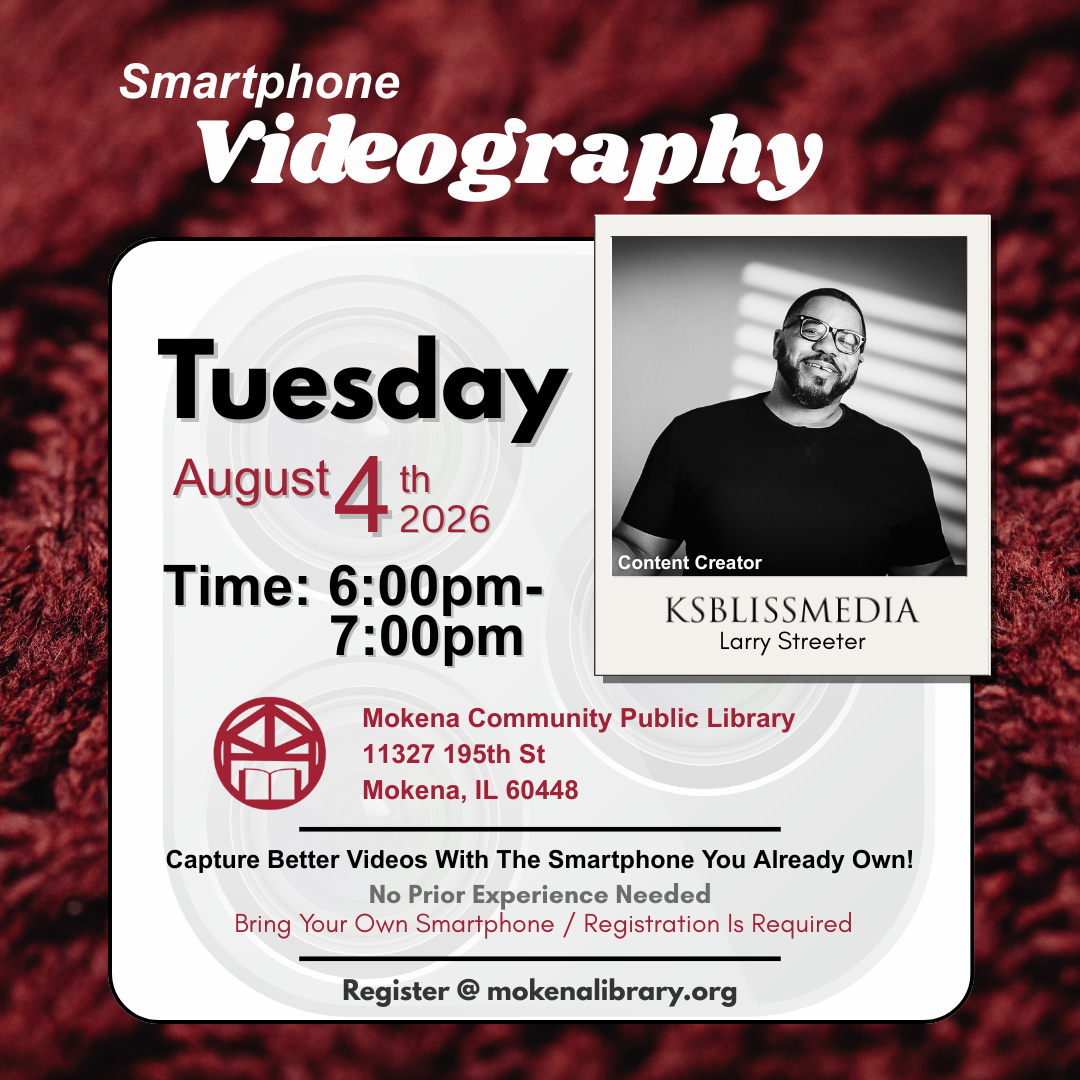
Smartphone Video Editing
Learn how to capture high-quality videos using the smartphone you already own.
Smartphone Videography
Learn how to capture high-quality videos using the smartphone you already own.
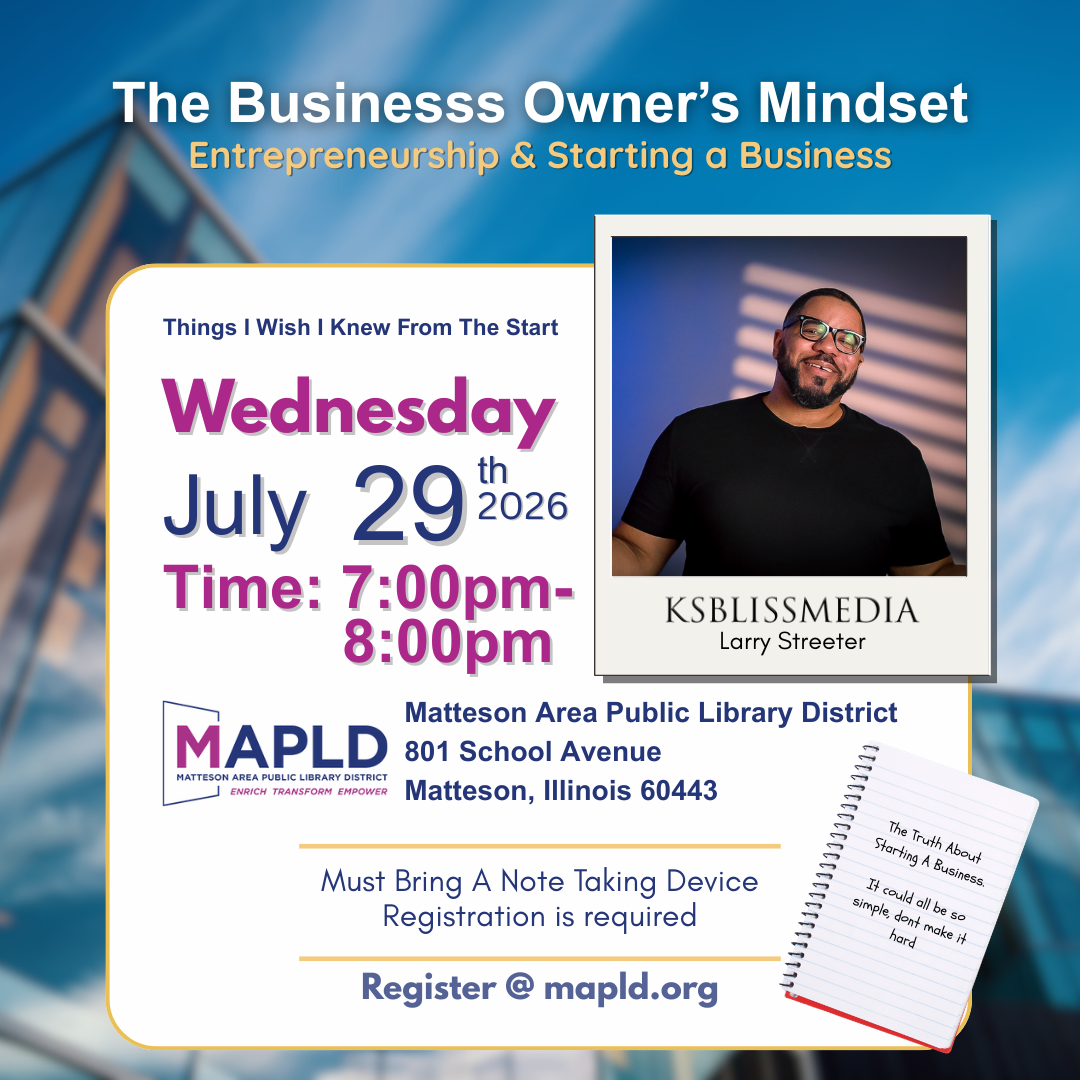
The Business Owner’s Mindset
The Business Owner’s Mindset
Entrepreneurship & Starting a Business
Starting a business takes more than a good idea—it requires the right mindset and practical understanding of how to move forward. In this talk, Larry Streeter of KSBlissMedia shares insights on entrepreneurship, overcoming common challenges, and building momentum when starting something new. Participants will explore the realities of entrepreneurship, practical steps for getting started, and strategies for developing confidence and resilience along the journey.
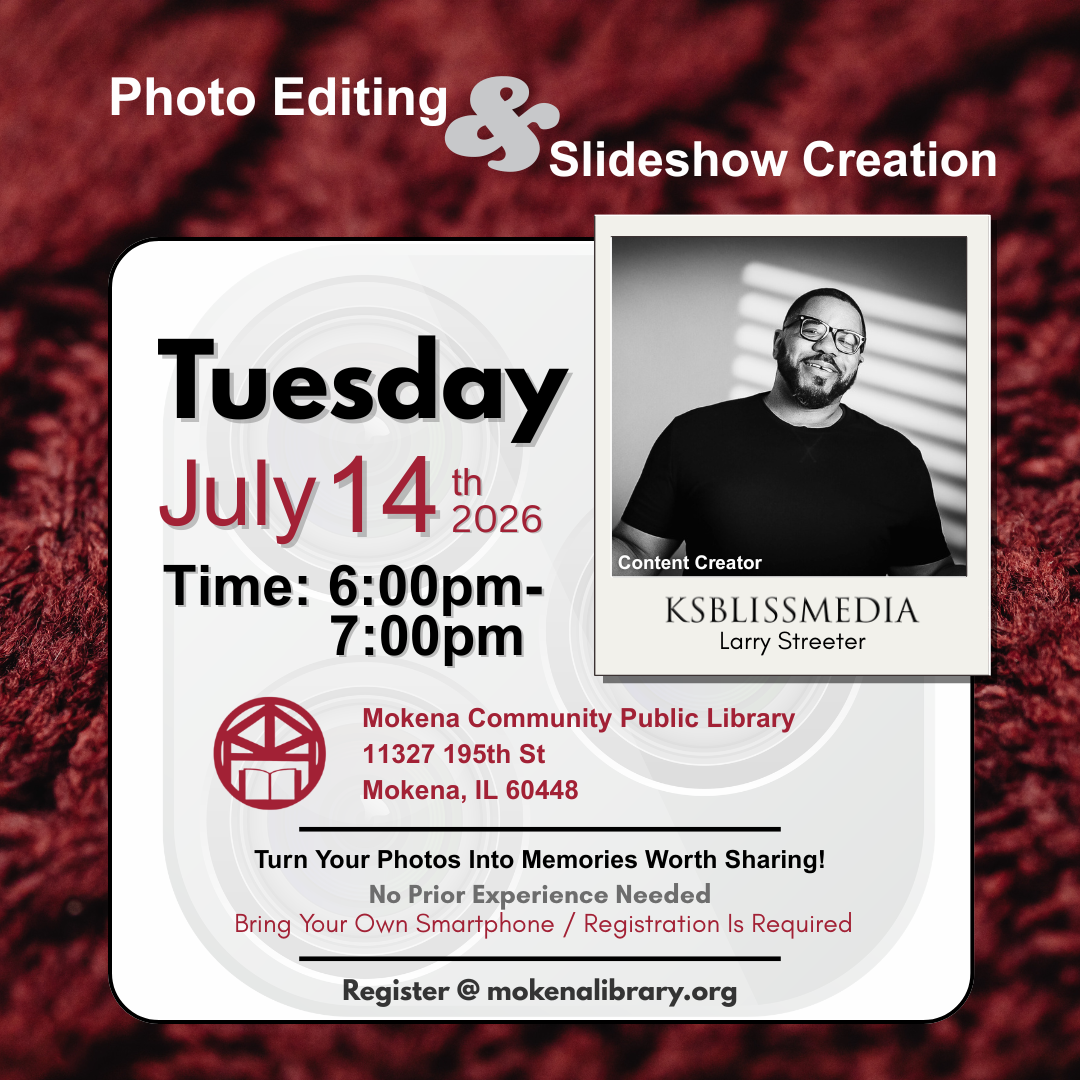
Photo Editing and Slideshow Creation
Turn your photos into memories worth sharing! In this workshop, content creator Larry Streeter of KSBlissMedia shares how to edit photo content using tools you already have. Perfect for beginners, entrepreneurs, and anyone interested in creating engaging visual content without expensive equipment. Participants will learn how to:
Crop and straighten photos
Adjust brightness and color
Remove unwanted distractions
Organize photos
No prior experience needed. Registration required. Be sure to bring your smartphone!
Disclaimer(s)
Program Attendance Policy
Please arrive on time for the program. Space is limited so registration is suggested for all programs, regular or limited, unless otherwise noted. Go to our website, call the library at 708-479-9663 or visit the Customer Service Desk to register. If you are registered for a program that you cannot attend, please call at least 24 hours in advance to cancel. You may cancel through your confirmation email, email the library at programs@mokenalibrary.org or call 708-479-9663. Given the popularity of our limited programs, patrons, who do not cancel their registration 24 hours prior to the event will be considered “No Shows”. If a patron is considered a “No Show” for three limited programs then he, she, or they may be unable to register for future events and will instead be placed on the waitlist.
A limited program is a program that has limited space or limited supplies available.
Program Email Registration Policy
Please note that an email address is required to register for this library program. If no email address is provided, you will be unable to complete your registration.
We appreciate your cooperation, as this ensures timely communication and updates regarding the program.
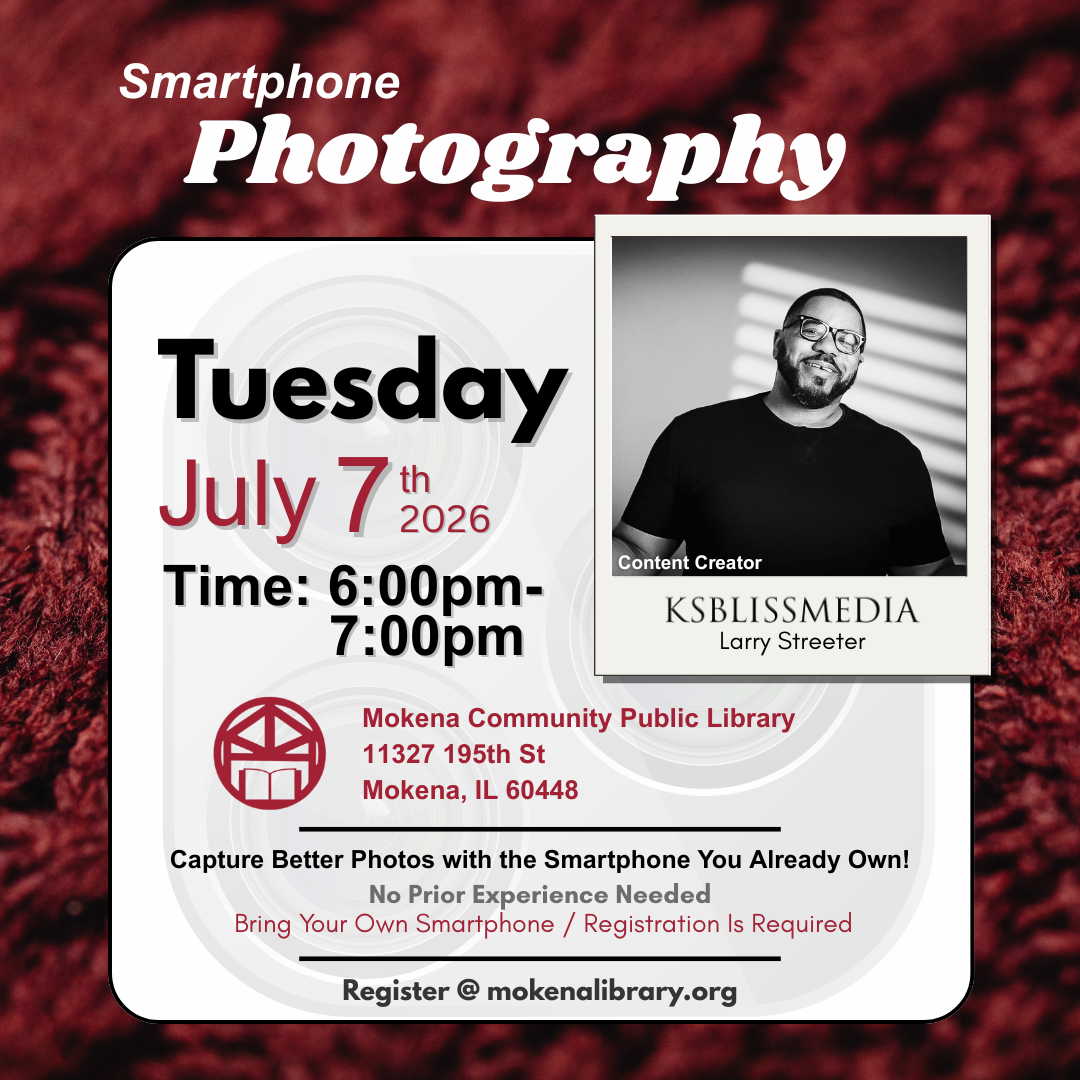
Smartphone Photography Basics
In this workshop, content creator Larry Streeter of KSBlissMedia shares practical tips for capturing better photos using your smartphone. Perfect for beginners, entrepreneurs, and anyone interested in creating engaging visual content without expensive equipment. Participants will learn how to:
Understand your phone camera
Focus and exposure
Composition basics
Lighting tips
Taking sharper photos
Hands-on practice
No prior experience needed. Registration required. Be sure to bring your smartphone!
Disclaimer(s)
Program Attendance Policy
Please arrive on time for the program. Space is limited so registration is suggested for all programs, regular or limited, unless otherwise noted. Go to our website, call the library at 708-479-9663 or visit the Customer Service Desk to register. If you are registered for a program that you cannot attend, please call at least 24 hours in advance to cancel. You may cancel through your confirmation email, email the library at programs@mokenalibrary.org or call 708-479-9663. Given the popularity of our limited programs, patrons, who do not cancel their registration 24 hours prior to the event will be considered “No Shows”. If a patron is considered a “No Show” for three limited programs then he, she, or they may be unable to register for future events and will instead be placed on the waitlist.
A limited program is a program that has limited space or limited supplies available.
Program Email Registration Policy
Please note that an email address is required to register for this library program. If no email address is provided, you will be unable to complete your registration.
We appreciate your cooperation, as this ensures timely communication and updates regarding the program.
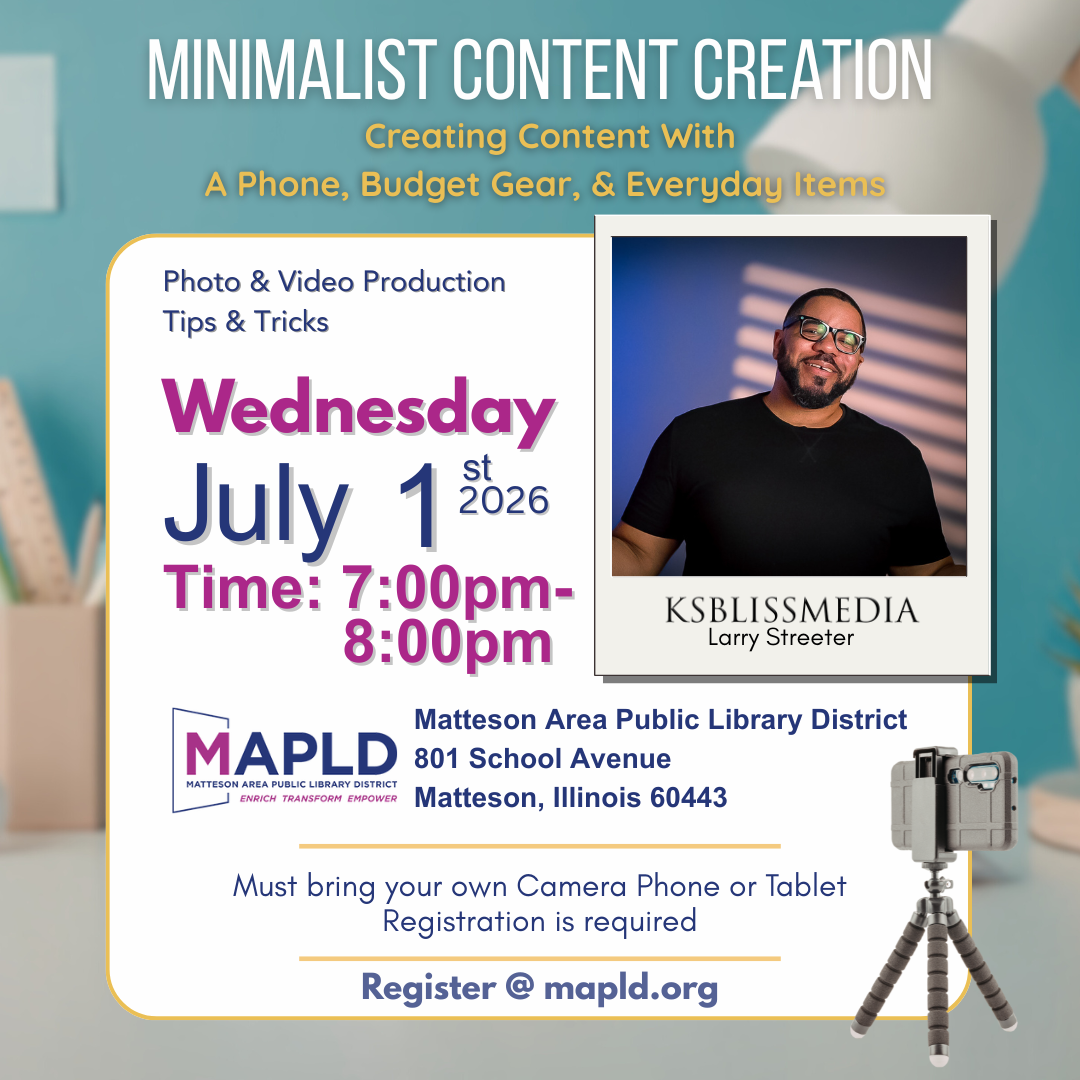
Minimalist Content Creation
Minimalist Content Creation
Creating Content with a Phone, Budget Gear & Everyday Items
Learn how to create compelling photo and video content using tools you already have. In this workshop, content creator Larry Streeter of KSBlissMedia shares practical tips for capturing better images and videos using a smartphone, simple lighting techniques, and affordable gear. Participants will learn how to improve composition, lighting, and storytelling while working with everyday objects and environments. Perfect for beginners, entrepreneurs, and anyone interested in creating engaging visual content without expensive equipment.
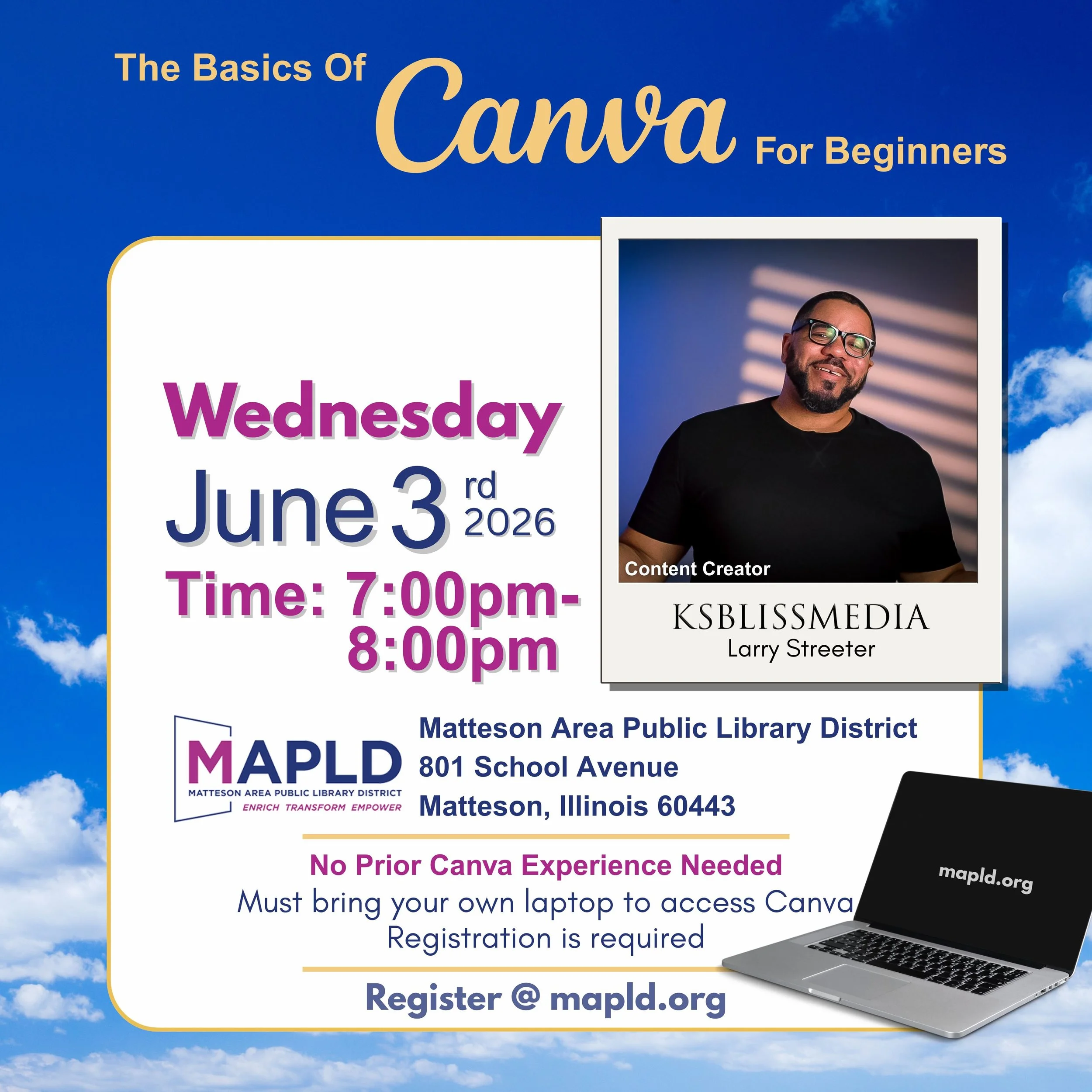
Canva for Beginners: The Basics of Canva
Canva for Beginners
Learn the basics of digital design while creating a simple flyer or graphic.
Topics include:
Canva navigation
Templates
Text and elements
Color and layout fundamentals
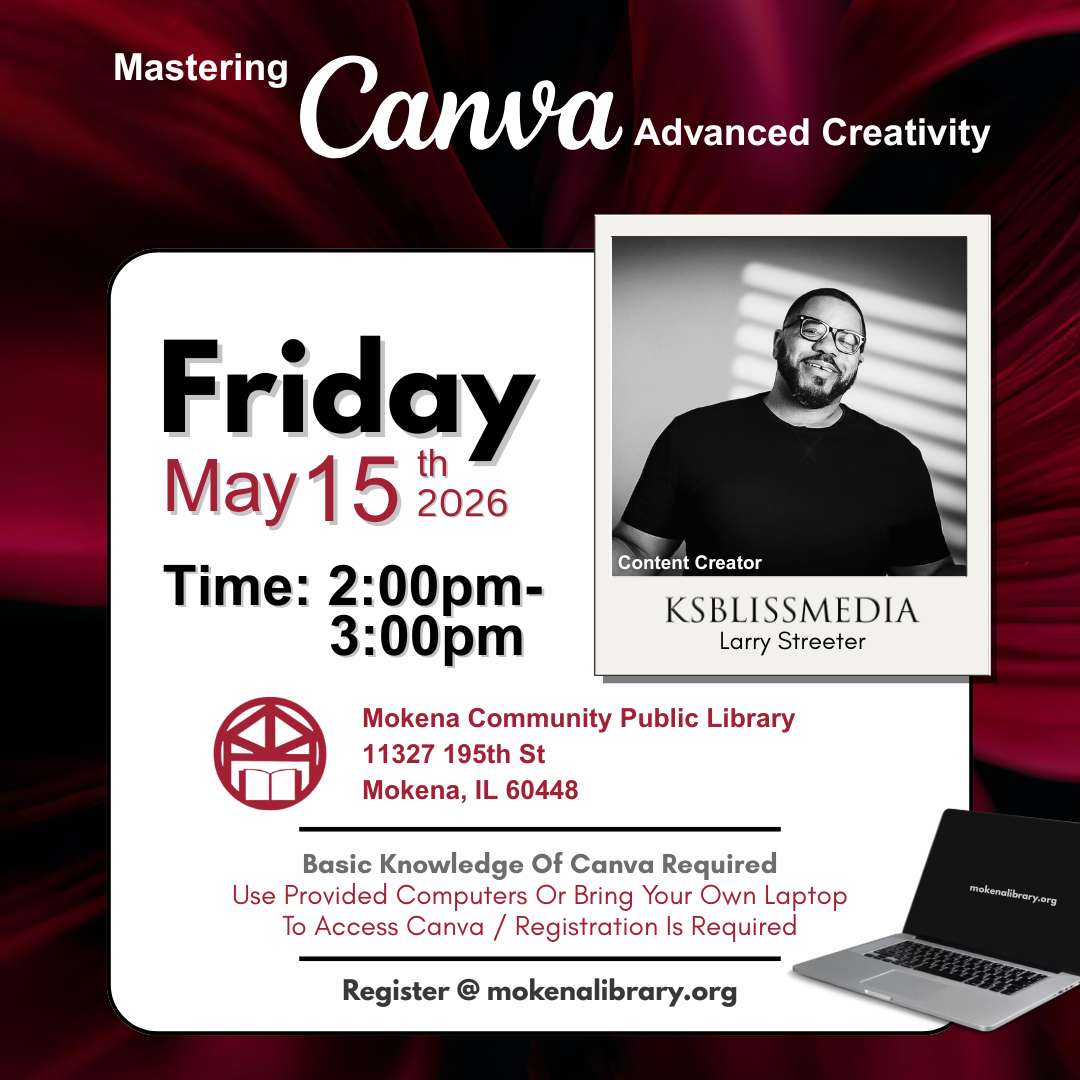
Mastering Canva: Andvanced Crativity
Mastering Canva
Advanced Creativity
For participants who already understand the basics of Canva, this advanced workshop explores deeper creative techniques that elevate design.
Students learn how to refine their layouts, experiment with typography and color combinations, and use Canva’s tools more intentionally to produce polished visual content.
Topics explored may include:
Creating stronger visual hierarchy with text
Working with advanced layout and composition techniques
Using color theory, contrast, and complementary colors
Combining elements and imagery for stronger designs
Improving clarity and visual impact in flyers and graphics
Participants will apply these techniques while creating a design during the session.
This class helps users move from simply using Canva to designing with greater intention and creativity
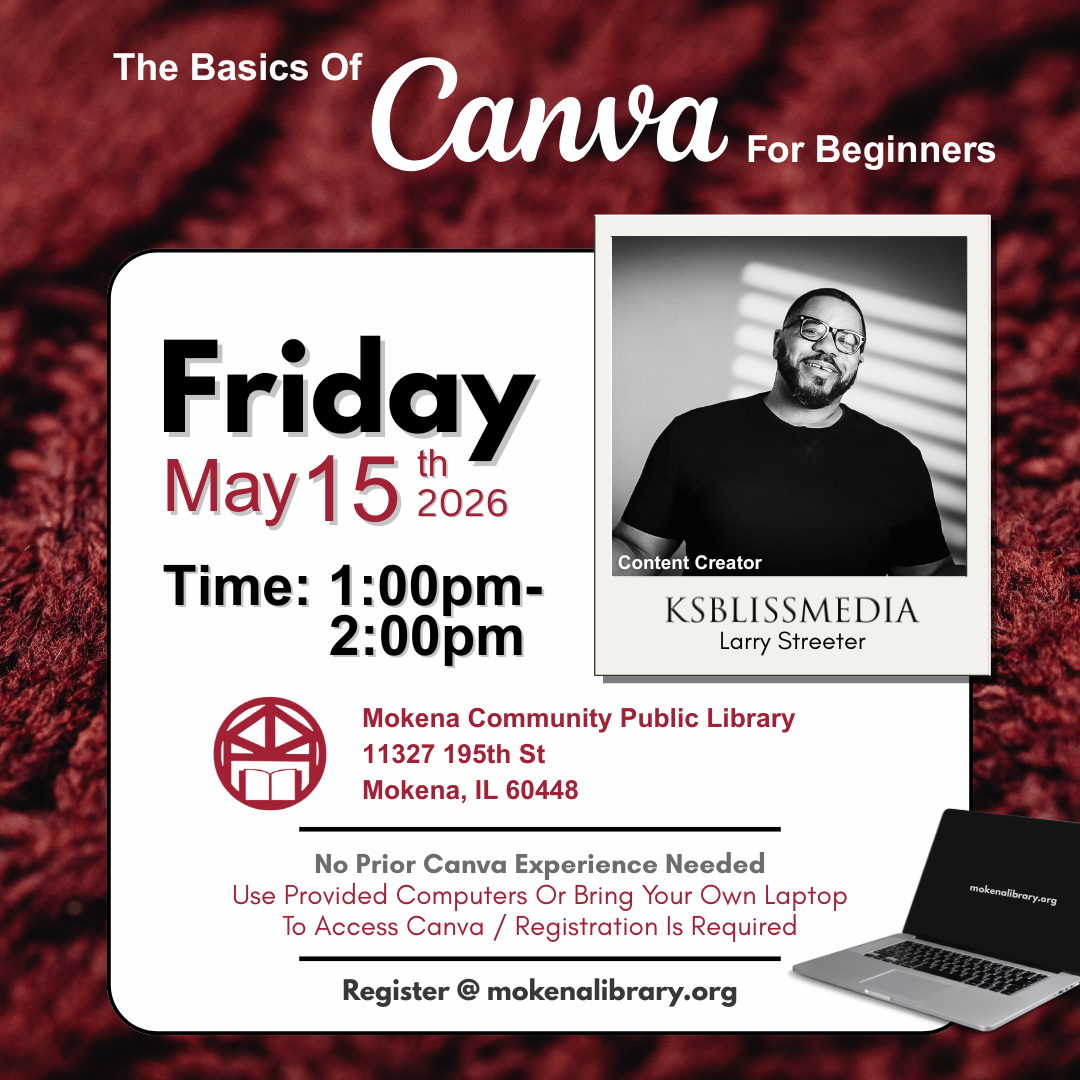
Canva for Beginners: The Basics of Canva
Canva for Beginners
The Basics of Canva
This beginner-friendly workshop introduces the core tools and concepts that make Canva easy to use.
Participants learn how to navigate the Canva dashboard, work with templates, and create a simple design while understanding the fundamentals of layout, typography, and color.
In this class participants will learn:
How to create and manage a Canva account
Understanding templates and project sizes
Adding and editing text and fonts
Working with shapes, elements, and images
Simple design principles like alignment, spacing, and color balance
How to export designs for print or digital sharing
By the end of the class, participants will complete a design they can use and leave with the confidence to create many more projects on their own.
This session is ideal for beginners, community members, entrepreneurs, students, and anyone curious about digital design.
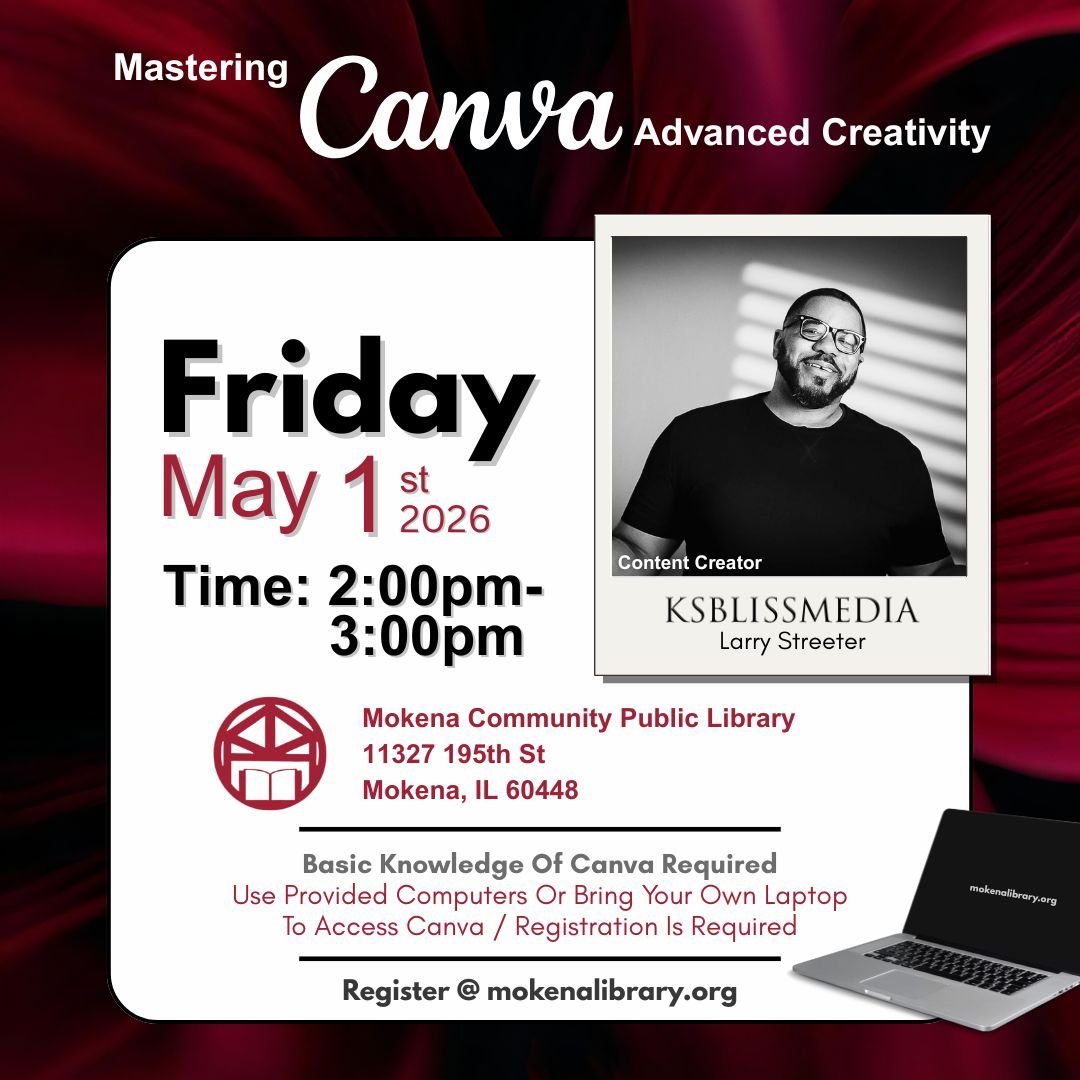
Mastering Canva: Advanced Creativity
Mastering Canva
Advanced Creativity
For participants who already understand the basics of Canva, this advanced workshop explores deeper creative techniques that elevate design.
Students learn how to refine their layouts, experiment with typography and color combinations, and use Canva’s tools more intentionally to produce polished visual content.
Topics explored may include:
Creating stronger visual hierarchy with text
Working with advanced layout and composition techniques
Using color theory, contrast, and complementary colors
Combining elements and imagery for stronger designs
Improving clarity and visual impact in flyers and graphics
Participants will apply these techniques while creating a design during the session.
This class helps users move from simply using Canva to designing with greater intention and creativity.n.
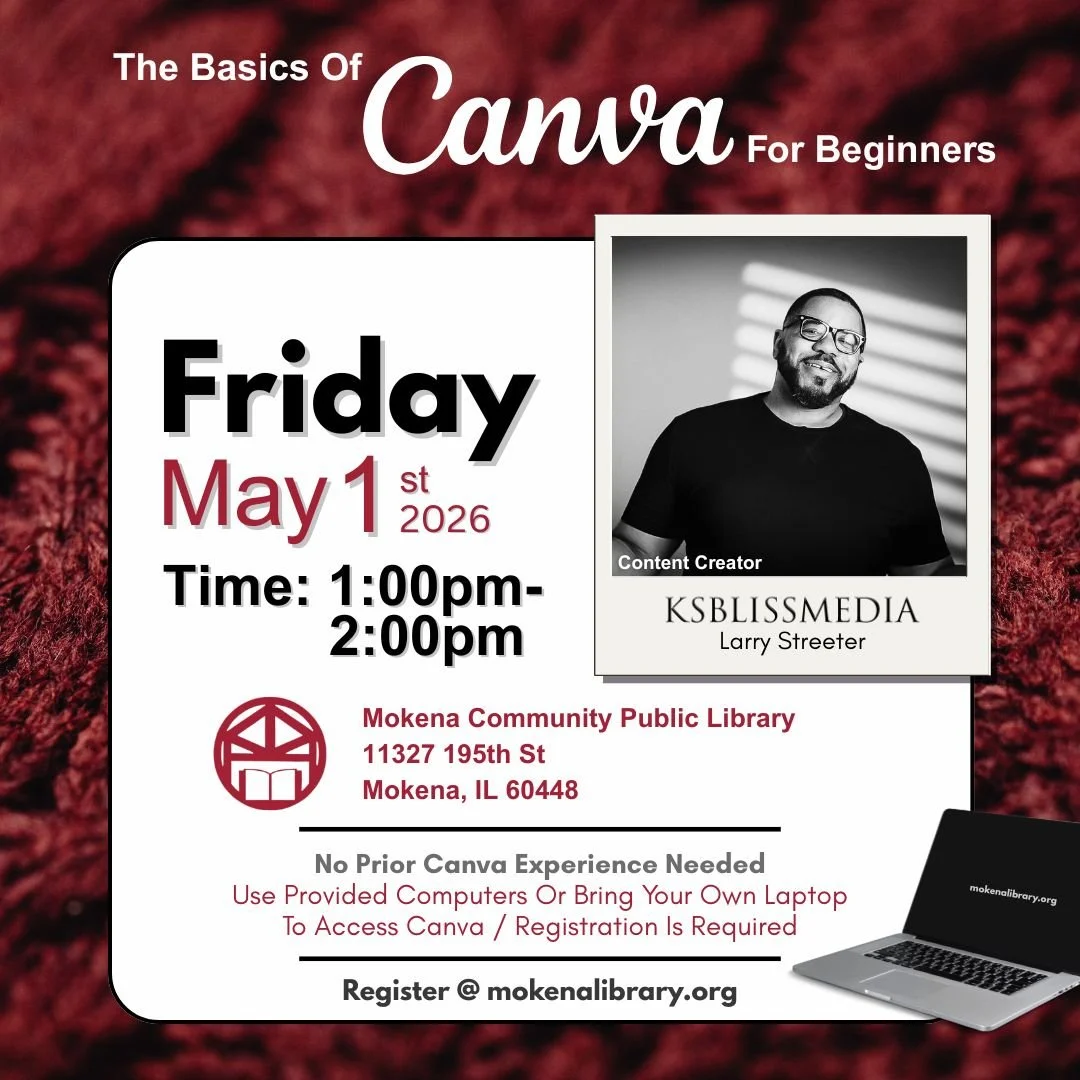
Canva for Beginners: The Basics of Canva
Canva for Beginners
The Basics of Canva
This beginner-friendly workshop introduces the core tools and concepts that make Canva easy to use.
Participants learn how to navigate the Canva dashboard, work with templates, and create a simple design while understanding the fundamentals of layout, typography, and color.
In this class participants will learn:
How to create and manage a Canva account
Understanding templates and project sizes
Adding and editing text and fonts
Working with shapes, elements, and images
Simple design principles like alignment, spacing, and color balance
How to export designs for print or digital sharing
By the end of the class, participants will complete a design they can use and leave with the confidence to create many more projects on their own.
This session is ideal for beginners, community members, entrepreneurs, students, and anyone curious about digital design.
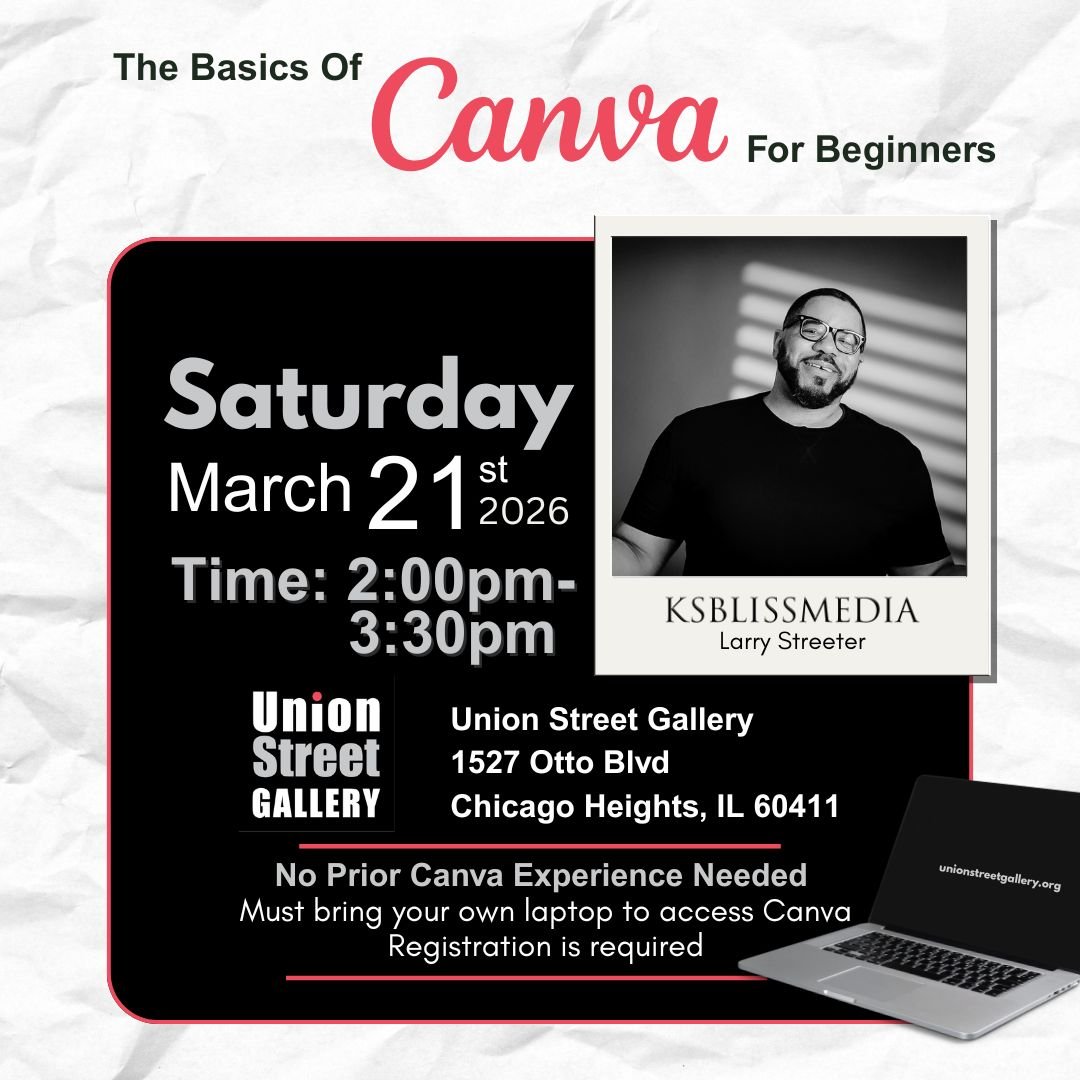
Canva for Beginners: The Basics of Canva
Learn how to create eye-catching designs using Canva, a free and easy-to-use online design tool.
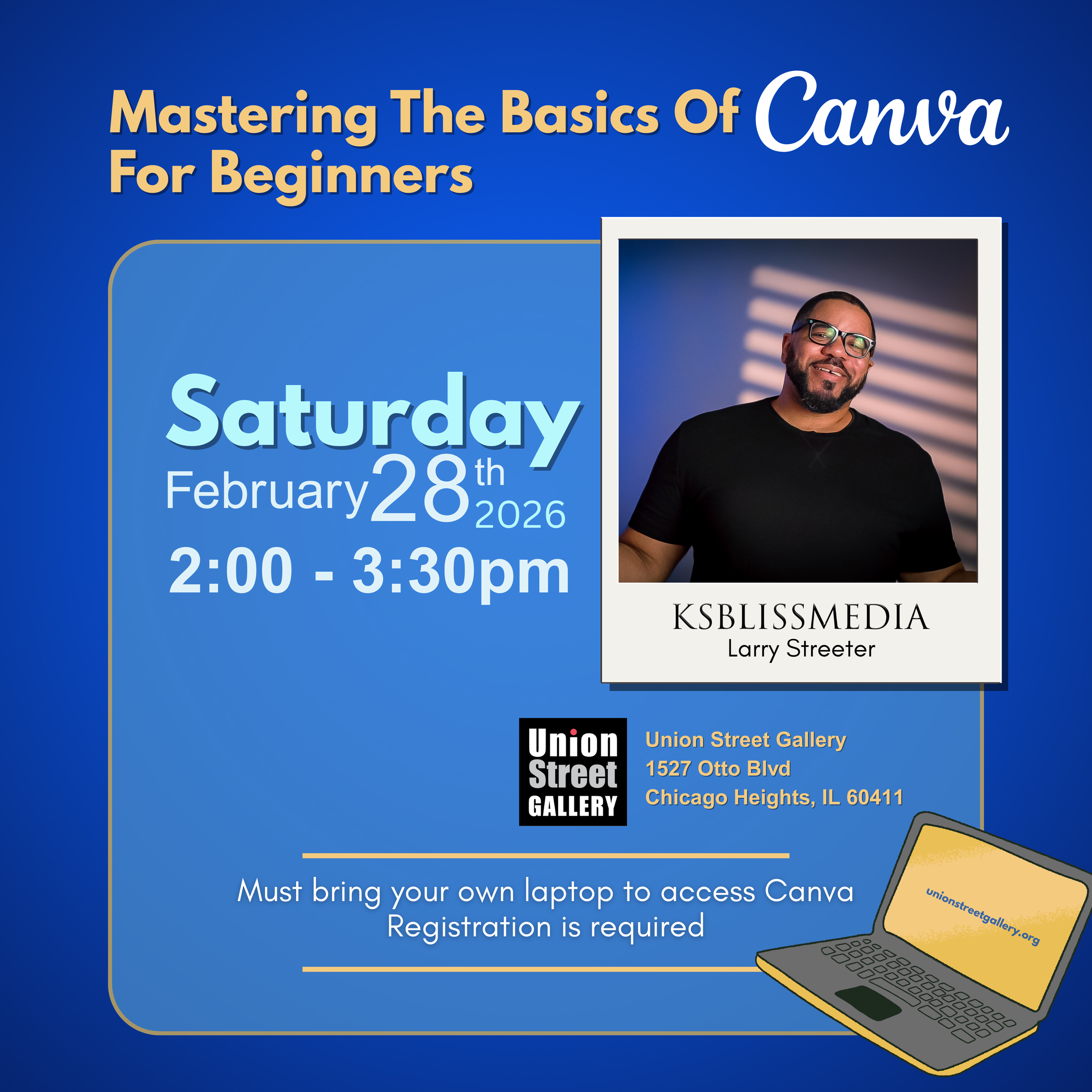
Mastering The Basics of Canva
Want to learn how to use Canva? Hosted at Union Street Gallery, Join Larry Streeter as he teaches the ins and outs of Canva!